Queue opens at .
Camp Arrival
Your Ride Into Richmond
Wear your Arrival HUD, allow both permission requests, and let the carnival take you the rest of the way.
Before You Begin
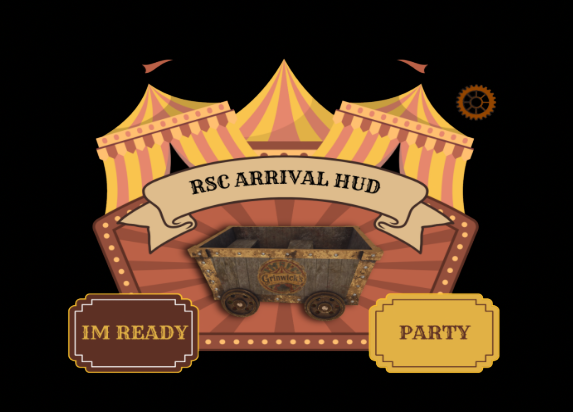
Find your Arrival HUD in your camper bag.
Your official camper bag is sent through the Richmond Survival Camp inworld group. Open the bag, locate RSC 2026 Arrival HUD, and wear it before starting your arrival.
Saturday, October 24
Choose your arrival time
There are two scheduled arrivals. The queue for each arrival opens 30 minutes before departure.
Queue opens at .
Arriving Together
Create an arrival party
Arrival parties keep groups of up to six eligible campers together through the queue. Everyone must wear their own Arrival HUD, accept their own permissions, and be near the party leader while invitations are sent.
- 01Create
The leader selects Party on the Arrival HUD, then chooses Create party. The HUD creates a party code and scans for avatars within 20 meters.
- 02Invite
The leader chooses each nearby camper from the numbered invitation menu. A party can contain the leader and up to five invited campers.
- 03Accept
Each invited camper receives a dialog on their own Arrival HUD. Select Accept to join. Campers already in another party or waiting in the solo queue cannot join.
- 04Get ready
Every accepted member, including the leader, selects I’m Ready. The party enters the arrival queue as one group only after everyone is ready.
Check before you wait
Select Party, then Party status to see who has accepted and who is ready. Members may choose Leave party before selection. If the leader leaves, the party is disbanded. Once selected for arrival, the party is locked and can no longer be changed.
Step By Step
Getting to the arrival ride
Keep the Arrival HUD attached until you have reached camp and completed the ride.
01
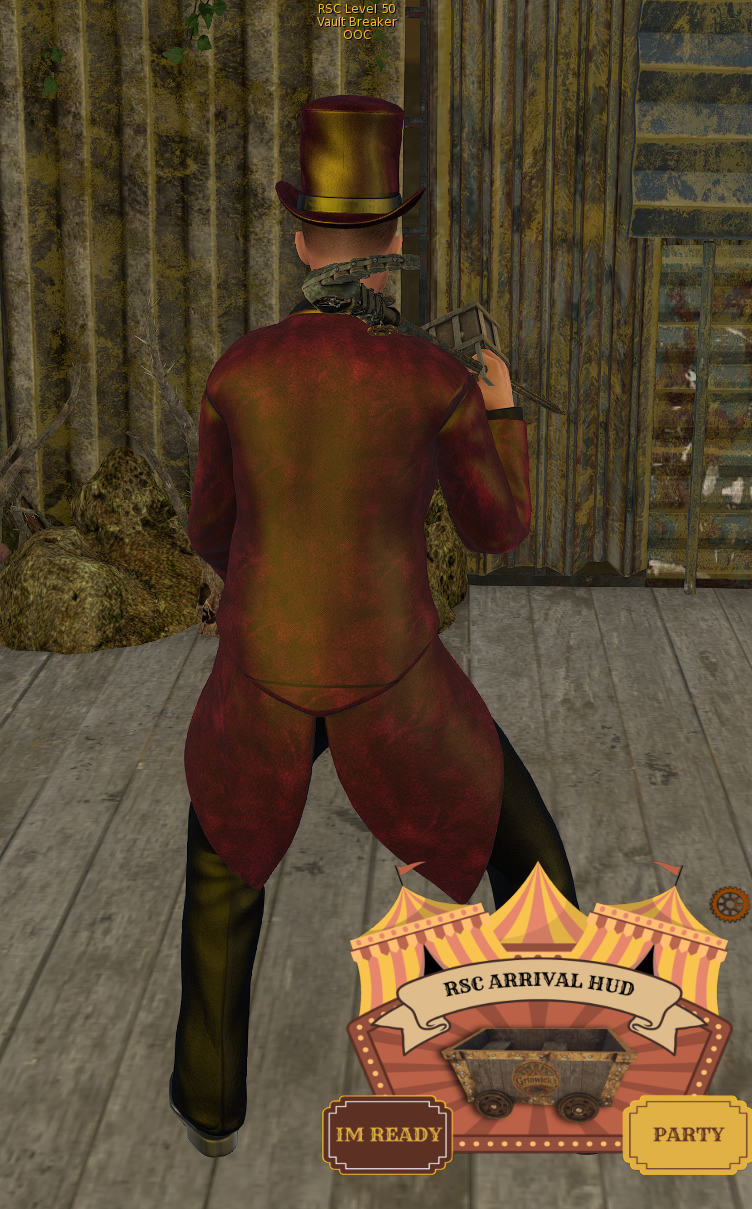
Wear the HUD and select “I’m Ready.”
The Arrival HUD appears on your screen after you wear it. Choose I’m Ready when you are prepared to leave for camp. The Party option is for the supported group-arrival flow.
02
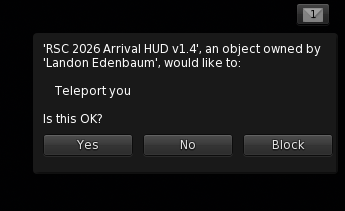
Allow the Arrival HUD to teleport you.
Second Life will ask whether the Arrival HUD may teleport you. Select Yes. Choosing No or Block prevents the HUD from taking you to the arrival area.
03
Confirm the teleport permission.
Your chat will report that teleport permission was granted for camp arrivals. The HUD can now move you through the arrival route.

04
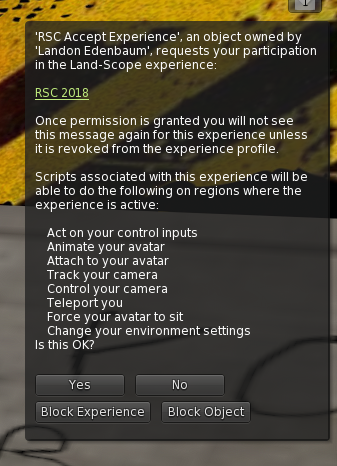
Accept the RSC Experience at the ride.
When you reach the ride, the RSC Accept Experience object will request permission to join the RSC Experience. Select Yes. The Experience handles ride movement, camera control, audio attachment, and other camp interactions.
05
Look for the acceptance message.
Chat will say RSC Experience accepted. You are ready to continue. If you do not see that message, stop and ask a staff member for help before boarding.

06
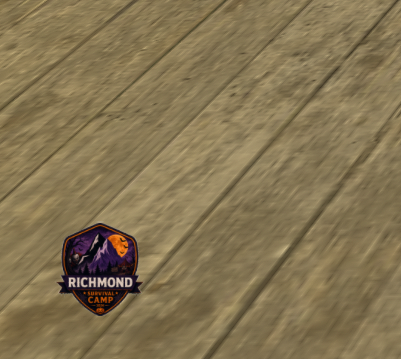
Verify the ride audio HUD.
A small Richmond Survival Camp logo should appear at the bottom-left corner of your screen. This is the ride audio HUD. Seeing it confirms that the Experience attached the audio system successfully.
Do not detach it during the ride. It will handle itself when the arrival experience is complete.
Quick Check
Ready means three things.
- Arrival HUD wornFound inside the camper bag delivered through the inworld group.
- Teleport allowedThe Arrival HUD reported that teleport permission was granted.
- Experience acceptedThe small ride-audio logo is visible at the bottom left of your screen.